Register a support request or an error
Use Support request when you have a question or need help. Use Error registration when something does not work as it should. Both open a form that you fill in and send, and both end up as tickets in Overview.
The Support request tile only shows when your company has a Service-Level Agreement licence. See Access and troubleshooting.
Send a request
- Open Home.
- Click the Support request or Error registration tile.
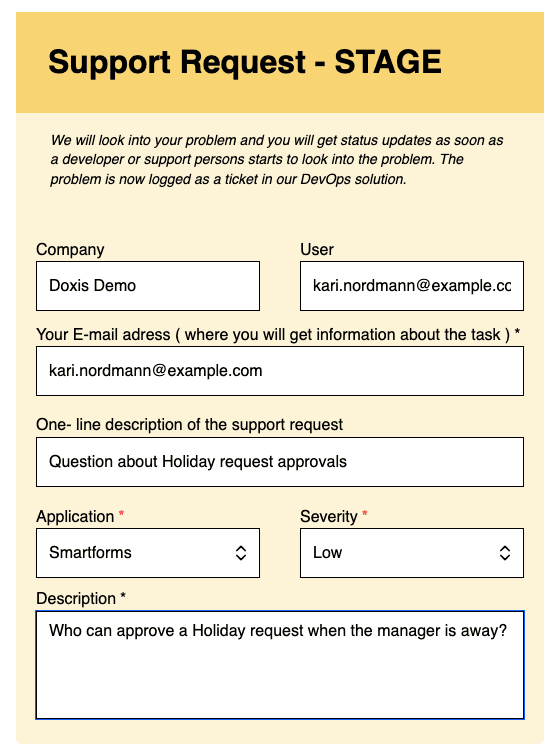
- The form opens in a new browser tab. Company, User and your e-mail address are already filled in.
- Write a one-line description of the problem or question.
- Choose the Application the request is about and the Severity: Low, Medium, High or Critical.
- Write the Description.
- If a file helps to show the problem, add it under File upload to Metaforce.
- Click Submit.
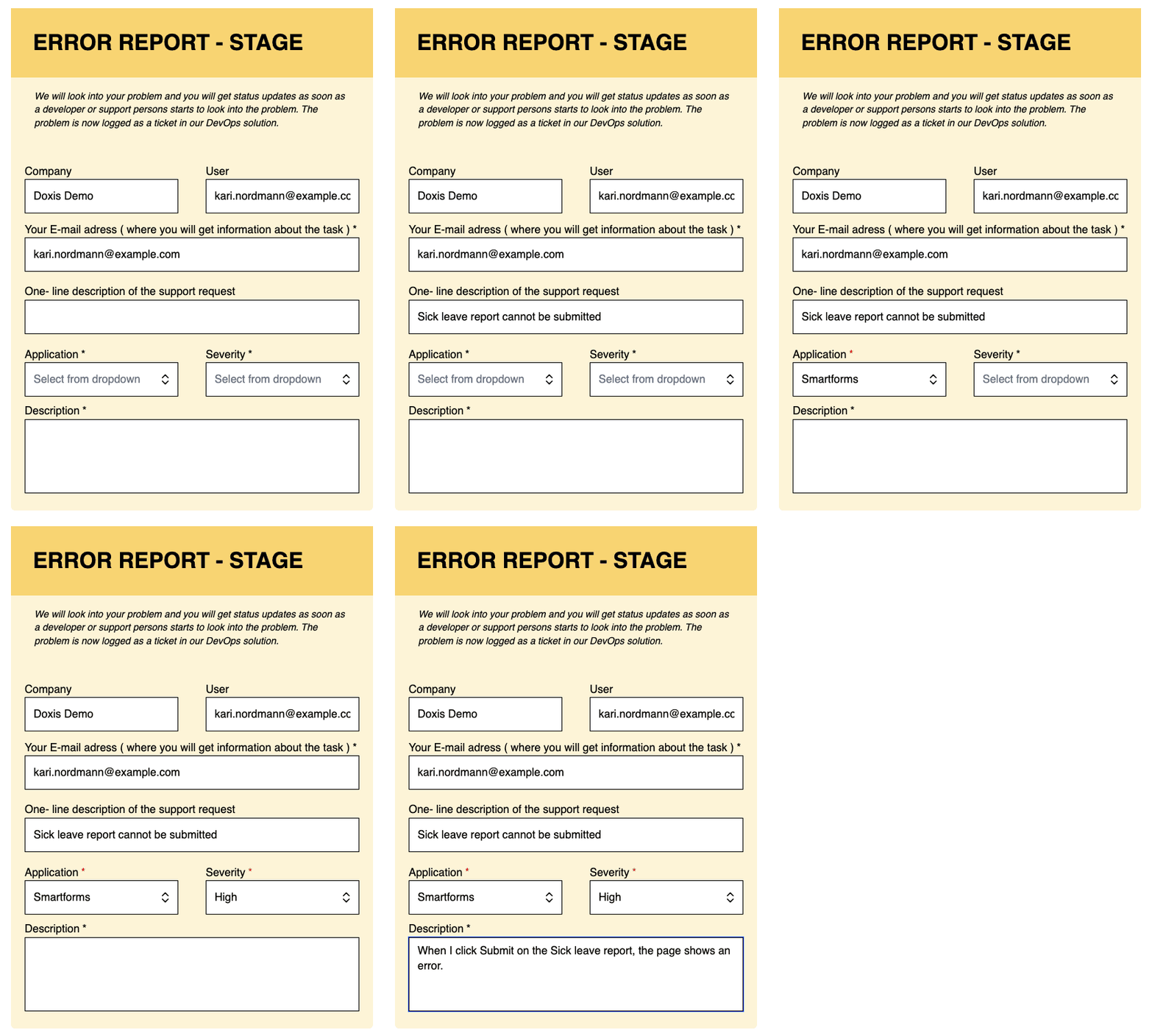
The e-mail address, Application, Severity and Description are required. If one of them is empty when you click Submit, the form lists what is missing under There are errors in document.
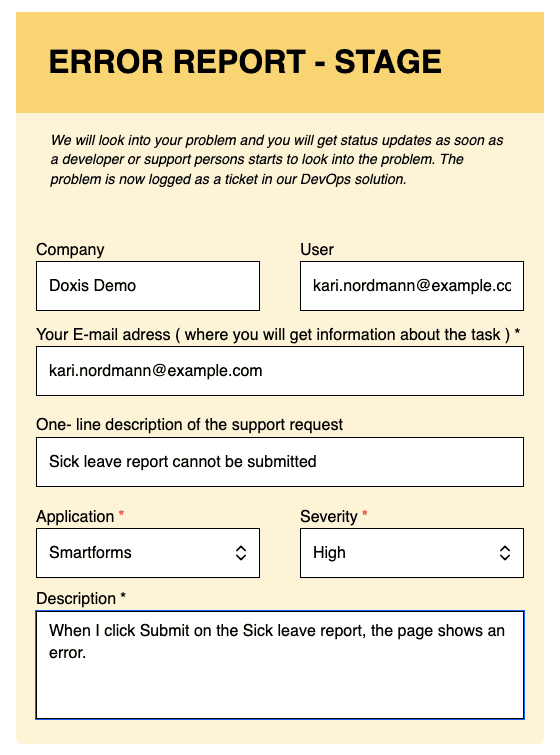
The Error registration form has the same fields.
What to write
A clear description helps the support team answer faster.
- Say what you were doing and in which application.
- Give the steps to reproduce the problem, one per line.
- Say what you expected to happen and what happened instead.
- Add a screenshot or a file when it shows the problem.
What happens next
The form states that the request is logged as a ticket in the support team’s ticket system. Open Overview to find it. It is listed as type Support when you used Support request and as Error when you used Error registration. The status changes as the support team works on the ticket.
Details
- The form is hosted outside the Support screens, so it opens in its own tab. If nothing opens, allow pop-ups for the site and click the tile again.
- If you see This form is no longer available. Contact support. after clicking a tile, the form behind the tile could not be opened. Contact Doxis support.
- The e-mail address in the form is where the support team sends information about the ticket. You can change it in the form before you click Submit.