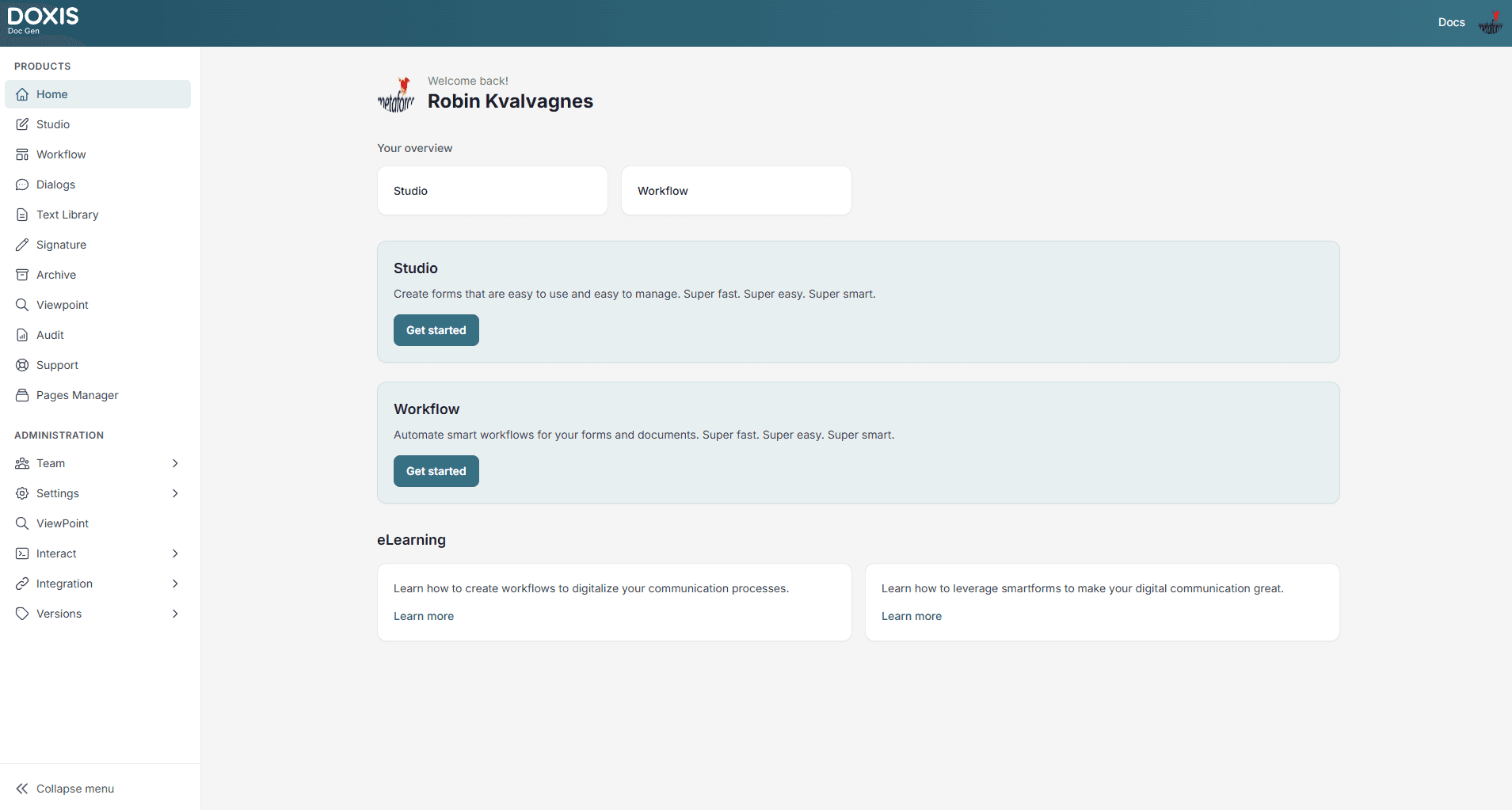
Doxis Doc Gen
Branding Update
As part of the transition from Metaforce (Centerpoint) to Doxis, the platform has been rebranded to
Doxis Doc Gen.
- Centerpoint is now Doxis Doc Gen
- Naming and visual identity have been updated across the platform
No functionality has changed.
All workflows, integrations, configurations, and services remain exactly the same.You may still encounter references to Centerpoint or Metaforce during the transition period.
Doc Gen is a platform with a wide range of applications to support your communication needs. Your choice of plan will determine which applications you have access to. You can purchase your subscription online. You can choose either an annual or monthly subscription paid by credit card. If you choose an enterprise subscription, you will pay by invoice.
Doc Gen is a Multi-Tenant solution, i.e., a shared environment. A user can register an account independent of the company account. Once a user is registered, he or she can create a company profile. A company account is validated before anyone can start using it.
Admin users can invite new users to their organization’s account and define roles and access levels. The individual who registers the account for an organization automatically inherits admin privileges. New users are invited using the Admin application.
How the products fit together
Doc Gen covers the whole life of a customer communication, from the first form to a signed, delivered and archived document. Each step below links to the product that handles it, and Administration is shared by all of them.
Customers and citizens
- Fill in forms and sign digitally
- Receive letters and documents in the channel they prefer
Case handlers and business users
- Write and adjust letters with approved texts
- Start, follow and approve processes
Designers and administrators
- Build forms, templates and workflows without coding
- Manage companies, users, roles and licences
IT and partner systems
- Connect your systems through REST APIs and webhooks
- Single sign-on with Microsoft Entra ID or Google
Capture
Create
Automate
WorkflowVisual process automation with approvalsNotificationsEmail and SMS to recipients and case handlersSign
SignatureSigning packages routed to every signatoryeID and e-signatureBankID, Signicat and Scrive, also directly in formsDeliver
Archive and insight
Products
Get started
- 1RegisterCreate your user from the login page
- 2Add your companyRegister a company account from your personal menu
- 3Pick a planThe plan sets which applications you get
- 4Invite your teamInvite users and give them roles in Administration
Register user
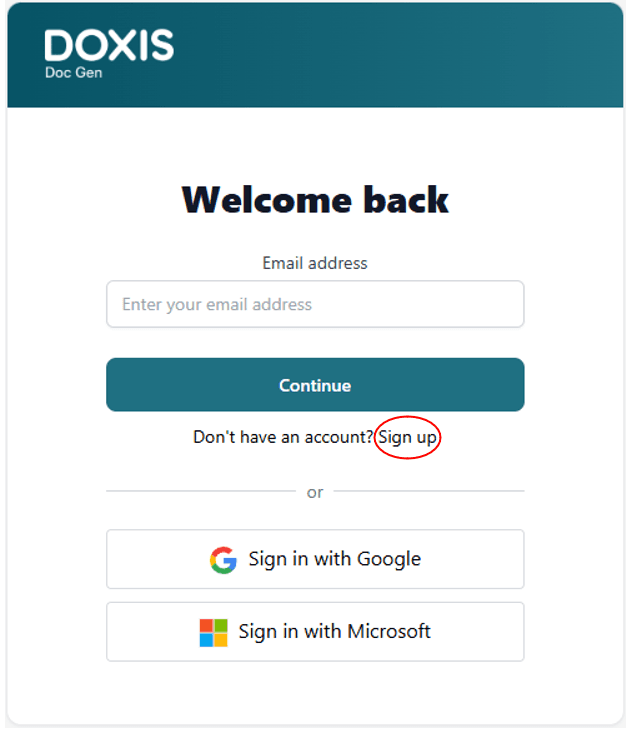
You can register as a user from the login page by clicking the “Register New User” link.
Register Company Account
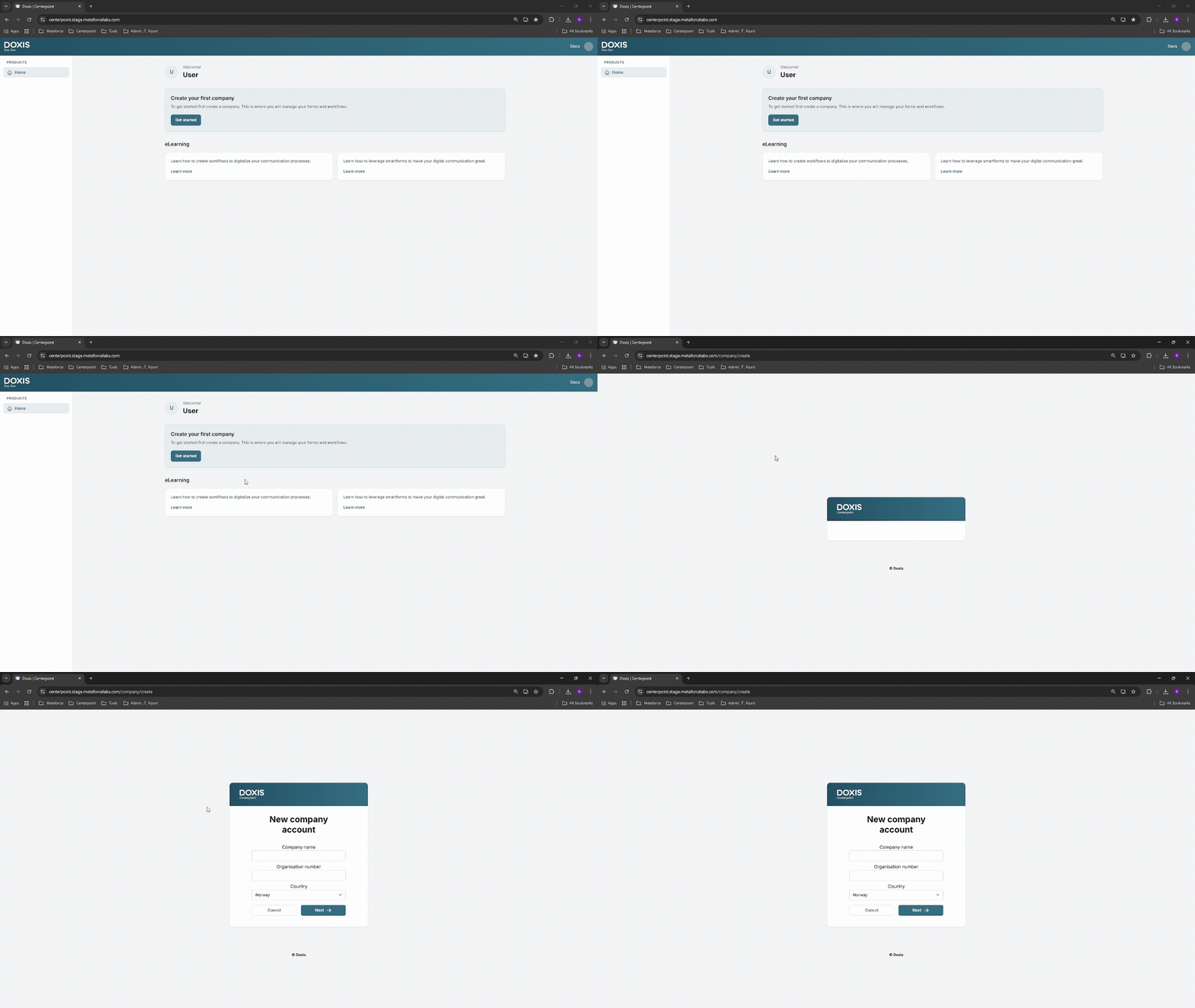
A user can register a new company account from their personal menu in the top right-hand corner. Click the personal icon and select “New Company”.
Subscription
Administrators can change the plan an organization subscribes to. The Plans and details of what each includes can be accessed from the “Plan” menu.
Feature list
The feature list is depending on the license. Below is an overview of available features:
| Application | Explained |
|---|---|
| Admin | Administration of the company account including access and user management |
| Archive | Digital archive |
| Audit | Audit log of event in the platform |
| Doc Gen | This platform where all available are accessible |
| Dialog | A user application to handle SmartForms or send documents for digital signing |
| Signature | Application for digital signing of PDF documents |
| Studio | Development and design environment for SmartForms |
| Support | An application where error reports and support/feature requests can be registered |
| Text Library | Text library that is used within the Editor |
| Viewpoint | Digital Archive - Metaforce classic electronic archiving service |
| Workflow | A workflow engine that combines Doc Gen applications with external systems and services handling various steps in a communication process |
| Pages | Edit and manage document content in a web-based interface |
| Pages Manager | Manage environments, document connections, and deployment configuration |