Viewpoint
Viewpoint is the classic electronic archive in Doxis Doc Gen. Documents and their metadata are stored once, kept for as long as their retention policy says, and found again when someone needs them. You work with it in two ways:
- The web app lets people search the archive, open documents, and choose which columns the hit list shows. It is for caseworkers and administrators. See Search and view documents and Settings.
- The REST API lets other systems, such as a CRM, upload, search, download, update and delete documents. It is for developers and architects. See Integration and Core services.
For integrations, use the API. The web app is meant for people who look documents up by hand.
How it works
Documents reach the archive through the API or from Doxis Doc Gen applications. Viewpoint stores the file and its metadata, applies the retention policy, and makes the document searchable. People then find and open it in the web app.
Open the web app
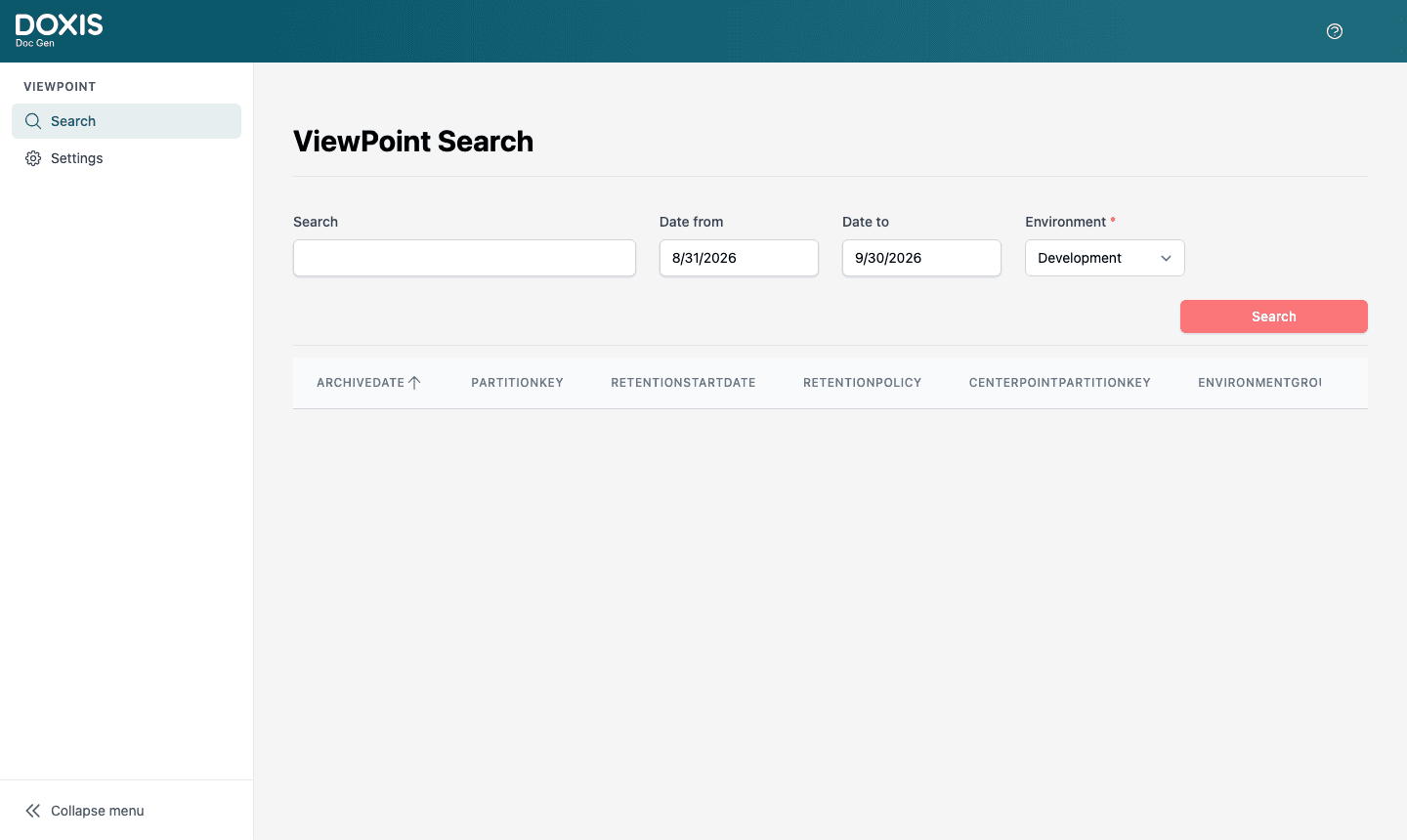
Open https://viewpoint.metaforce.net and sign in with your Doxis account. The web app needs the Viewpoint licence for your company. If you see Missing license to access ViewPoint, see Access, licences and sign-in problems.
The left menu has Search, which opens the ViewPoint Search screen, for everyone with the licence. Users who may configure Viewpoint also see Settings, which opens ViewPoint Settings. The question mark in the top bar opens the Doxis Doc Gen documentation.