Access, licences and sign-in problems
The Viewpoint web app at https://viewpoint.metaforce.net uses your Doxis Doc Gen sign-in. What you can do depends on your company’s licence and on the rights your administrator has given you.
Who can do what
| Right | What it gives you |
|---|---|
| Viewpoint usage | Search and opening documents |
| Viewpoint configuration | Settings, where the columns are set up |
Without the usage right you see Missing license to access ViewPoint. Without the configuration right the Settings item is missing from the menu, and opening the Settings address takes you to Search.
Your company’s administrator grants these rights through the user’s role, as the Usage and Configuration features of Viewpoint; see Roles.
Company
The web app works for the company you signed in with. You only see that company’s documents. If you switch company in Doxis Doc Gen, Viewpoint renews your sign-in for the new company.
Screens you may see
| Screen | What it means | What to do |
|---|---|---|
| Missing license to access ViewPoint | Your company or your user does not have the Viewpoint licence | Ask your administrator |
| We could not sign you in | Sign-in did not finish | Click Sign in again |
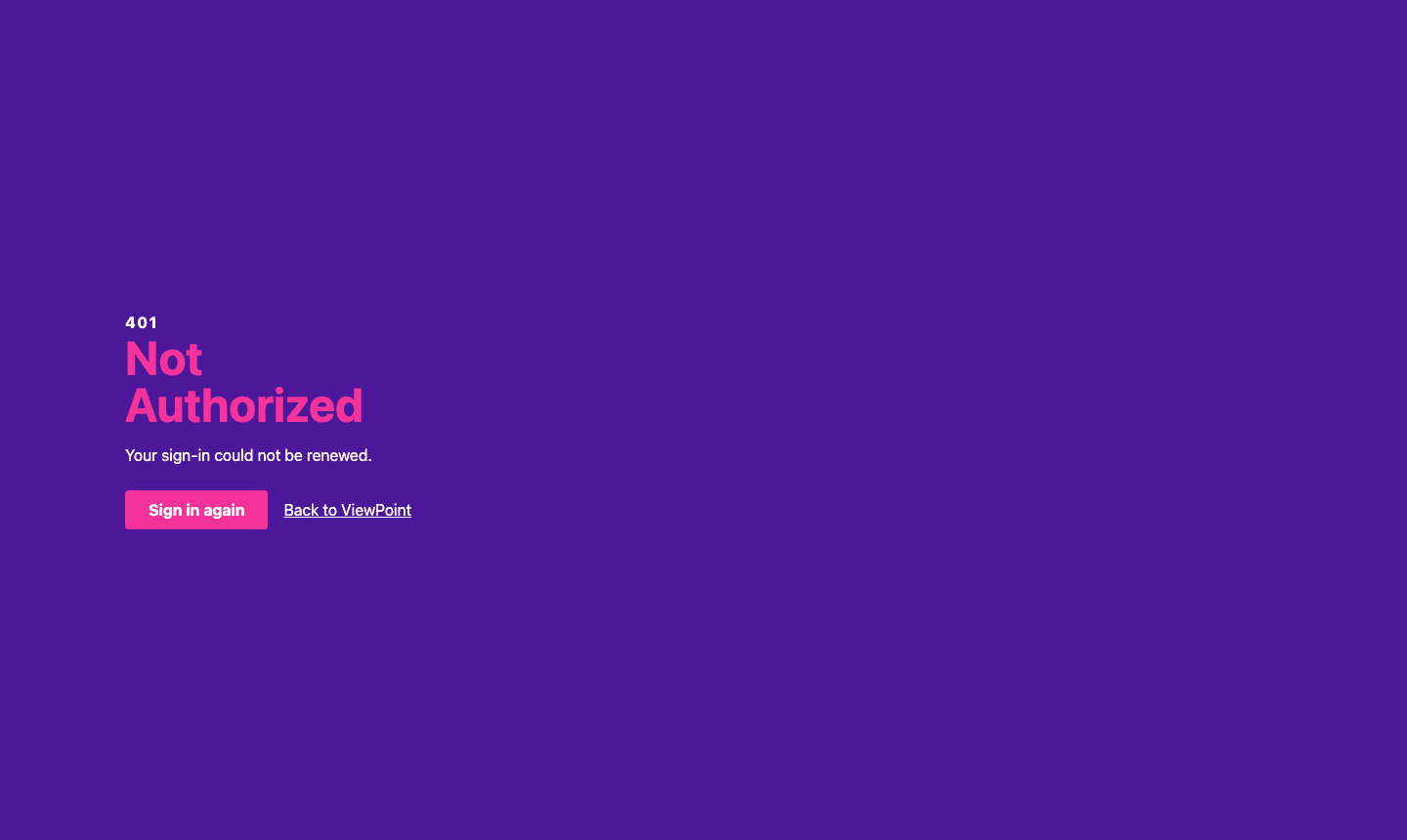
| 401 Not Authorized, Your sign-in could not be renewed. | Your session ended and could not be refreshed | Click Sign in again, or Back to ViewPoint |
| 401 Not Authorized, You don’t have access to this. | Your user is not allowed to see the page | Ask your administrator |
| 404 Not Found | Something the screen asked for, such as a document, could not be found | Open Viewpoint again from the start page and search again |

What is logged
Opening the web app is written to the Doxis Doc Gen audit log as Access the ViewPoint application, with your company and user. You find it in the Audit application.