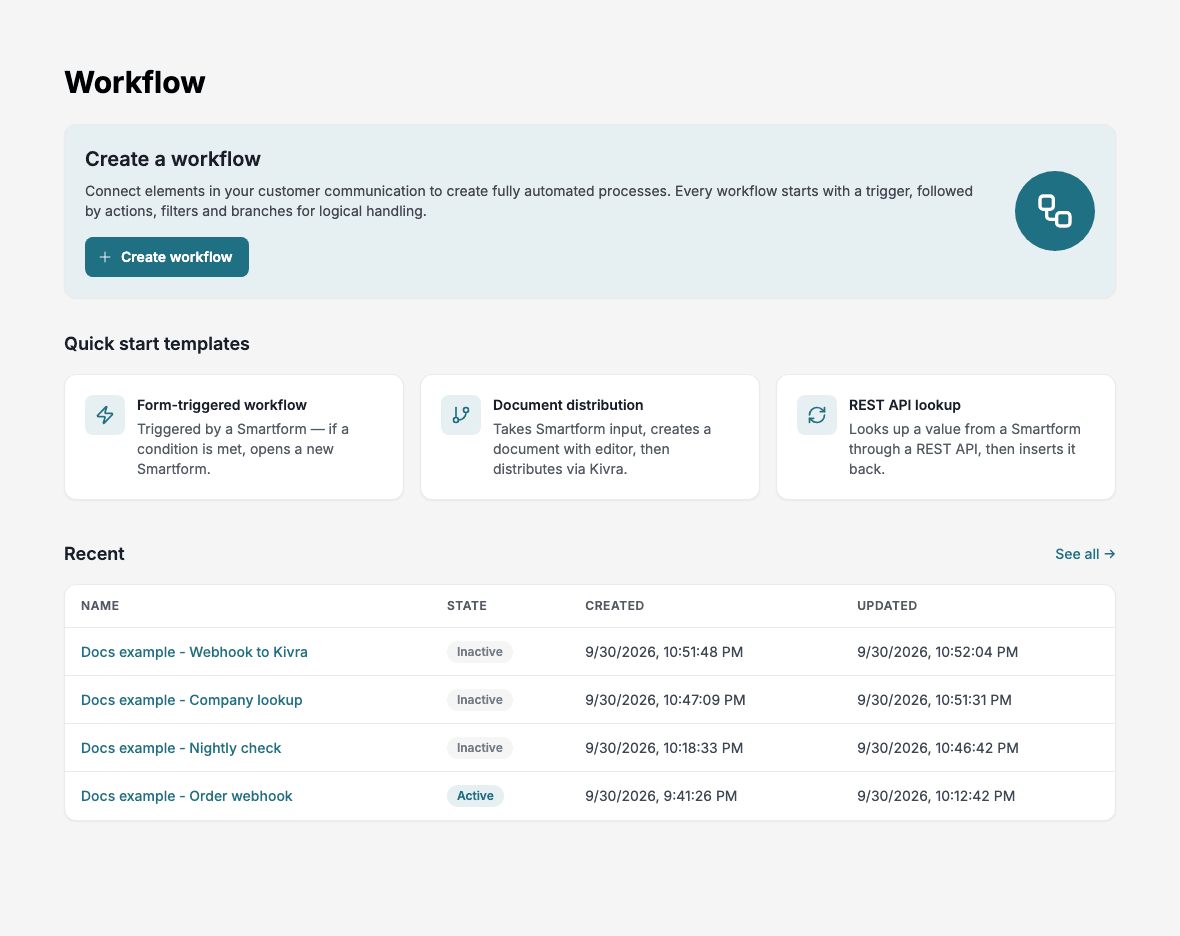
Overview
Doc Gen Workflow is a no-code application for building and automating step-by-step business processes. It replaces manual tasks with workflows that run the same way every time.
A typical workflow retrieves data from an external system through a REST API, processes it in a Smartform, and sends the result on, for example as a letter or an archived document. Workflows can branch on conditions, loop over lists, and call external systems through REST APIs and webhooks.
How it works
Every workflow starts with one trigger, an event such as a submitted Smartform, a webhook call or a schedule. The trigger is followed by steps: actions in an app, conditions and loops. Each workflow is built in Development, then promoted through Test and Pre Production to Production.
Main screens
The left navigation has four places.
| Screen | What it is for |
|---|---|
| Home | Start a workflow and open a recent one |
| Workflows | Find, organise and manage all workflows in folders |
| Tables | Store data that workflows read and write |
| Apps | Connections to Microsoft Outlook, Kivra, Digipost, SFTP and OpenAI |
Inside a workflow, a tab strip gives you the Editor, Data and History (Run history and Data), Versions, Variables and Log (Change log).
To build your first workflow, follow Getting Started. Licences and limits are on Limits and requirements.
In this section