Audit log forwarding
Auditlog Forwarding sends the audit events of your company to another system, so you can keep them with the rest of your monitoring. Open Administration, then Integration, then Auditlog Forwarding.
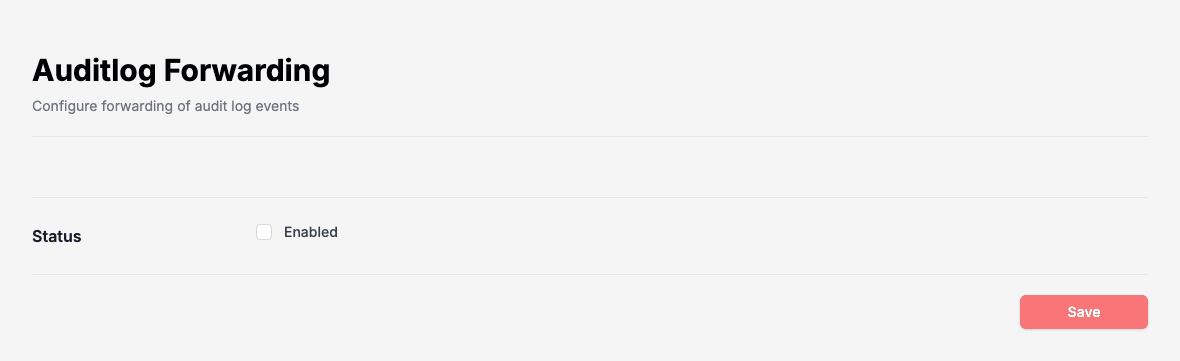
Tick Enabled to turn forwarding on. The page then asks for the rest of the setup. Click Save when you are done.
- Choose the Type:
- Rest API: Doc Gen sends each event to an address you give.
- Console: Doc Gen writes each event as JSON to the console output.
- For Console, type a Message Prefix, text added to the start of each message so you can find them.
- For Rest API, type the URL that receives the events, then choose the Authentication:
- None: the events are sent without credentials.
- OAuth 2.0 Client Credentials: Doc Gen first gets a token. Fill in Client ID, Client Secret, Token Endpoint and Scope.
Untick Enabled and save to stop forwarding.