ViewPoint
ViewPoint in Administration decides where your documents are stored. Open Administration and choose ViewPoint in the side menu to see ViewPoint Setup.
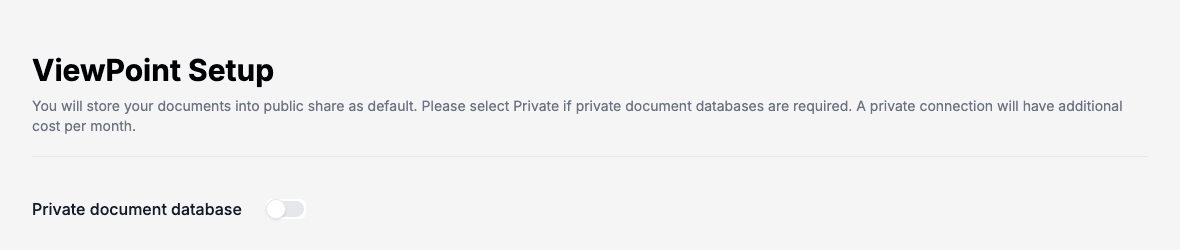
By default your documents go to a public share. If you need a private document database instead, switch on Private document database. A private connection has an additional cost per month.
Add a private connection
With Private document database on, the page lists your connections. Each one links a customer environment to a database of your own.
- Click New.
- Choose the Customer Environment the connection is for.
- Fill in Base Address, Client Id, Client Secret and State.
- Click Ok. Doc Gen first tests the connection, and shows Error establishing database connection! with the reason when the test fails.
To remove a connection, select it and click Delete. Doc Gen asks you to confirm.
There is one connection per customer environment. When all environments are already used, New is refused with a message saying so. If someone else changed the connection while you had it open, saving asks you to refresh the page first.