Azure AD integration
The Azure AD integration connects your Microsoft Entra (Azure Active Directory) tenant to Doc Gen. Once connected, you can invite users automatically, stop manual invitations, and link Doc Gen roles to the app roles in your tenant.
📝 Note: Opening Team, Integration needs the Configuration feature of Administration in your role. See Roles.
You need a Microsoft account that can sign in to the tenant you want to connect and has enough rights to do so.
Connect your tenant
- Go to Administration, Team, Integration.
- Click Start Integration and sign in with Microsoft.
- When the page says You are authenticated with Microsoft and shows your tenant, click Enable Integration.
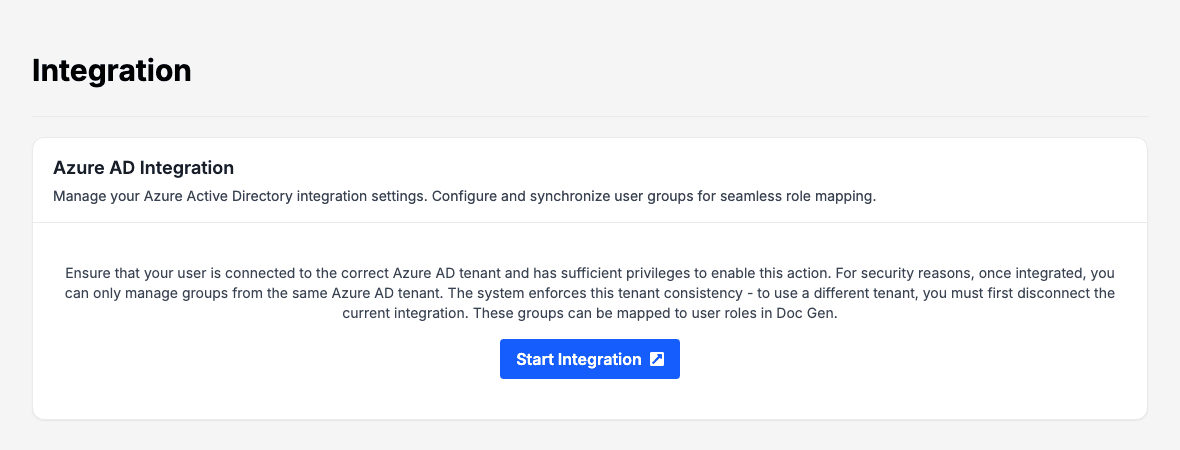
The page then shows Connected to Azure AD with your domain. Doc Gen allows only one tenant for a company. To use a different tenant, disconnect the current one first.
Integration settings
Both settings are saved as soon as you tick or untick them. The page shows Settings saved.
| Setting | What it does |
|---|---|
| Auto Invite | Enable auto-invite for users with matching tenant ID. Users from your tenant are invited automatically when they sign in. |
| Block Manual Invitations | Disable manual invitation functionality. The Send Invite button on Invite is refused. Use this when your organisation manages access in Azure AD only. |
Available App Roles
Available App Roles lists the app roles that Doc Gen has read from your tenant, in the column App Role Name. The list says No app roles configured until some exist.
Link a role to an app role
- Go to Administration, Team, Roles and open a role.
- Choose an app role in Azure App Role.
- Click Save.
The Doc Gen role is then linked to that app role. The Azure App Role list only appears on the role page while the integration is enabled.
Disconnect Azure AD
- Go to Administration, Team, Integration.
- Click Disconnect Azure AD.
- Read the warning and confirm. You lose access to the user groups and their permissions that came from Azure AD.