When a form or page does not open
Sometimes a Smartform or a Studio page does not open, and a short message shows instead. This page lists each message, what it means, and what to do. It is written for people who fill in forms and for the administrators who support them.
| Screen | Cause | What to do |
|---|---|---|
| This form could not be opened. | The link points to a form that cannot be found or opened. | Ask the sender for a new link. |
| Missing License | The company has no license for Smartforms. | Ask your administrator to add the license. |
| 401 Not Authorized | The session has expired. | Click Sign in again. |
| You’re not signed in. Please sign in again. | A sign-in address was already used, or the session ended and could not be renewed. | Click Sign in again. |
| 404 Page Not Found | The address does not exist. | Check the address, or go back to Studio. |
This form could not be opened

The link to a form holds the form’s number and the number of the record that is being filled in. This message shows when Smartforms cannot find that record, or cannot open it. The link may be wrong or incomplete, or the form or record may have been removed.
The page shows only this sentence, in the language of the form. It does not say why the form could not be opened. Ask the person who sent the link for a new one.
Missing License
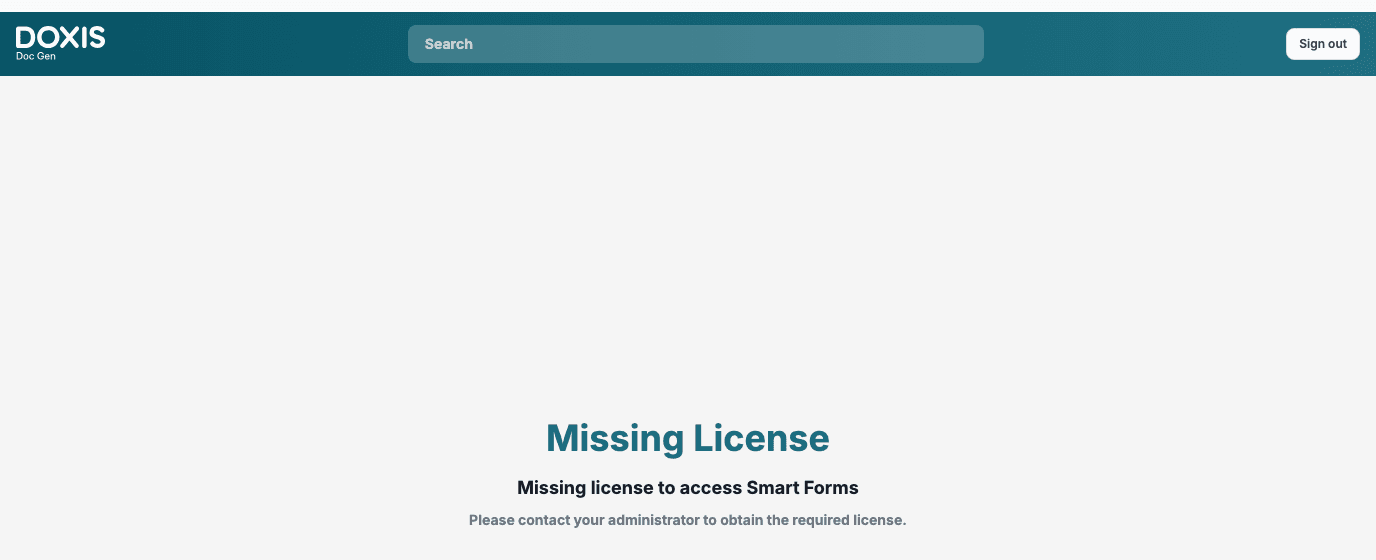
This screen shows when the company you are signed in to has no license for Smartforms. It says Missing license to access Smart Forms and Please contact your administrator to obtain the required license. The Sign out button at the top right signs you out, so that you can sign in again with another account or company.
If you were told that the license is in place and you see this screen right after your first sign-in, open CenterPoint once and then open Smartforms again.
401 Not Authorized
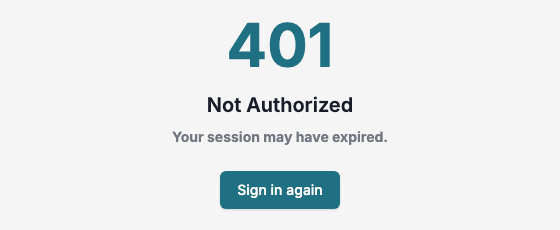
The screen says Your session may have expired. Click Sign in again. You are signed in again and taken to the Studio start page.
You’re not signed in

Each sign-in address can be used once. This message shows when you open a sign-in address that was already used, for example by going back in the browser after you signed in, or by opening an old bookmark. Click Sign in again. You are taken to the Studio start page, not back to the address that was used.
The same message shows when your session ends while a page is open and cannot be renewed in the background. Sign in again then brings you back to the page you were on.
404 Page Not Found
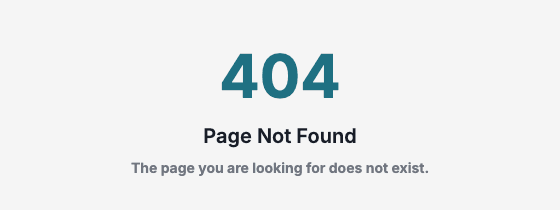
The address does not match any page in Smartforms. Check that it was written in full, or open Studio and go to the page from the menu.