Text Library
The Text Library in Studio holds texts you write once and reuse in many Smartforms, PDF documents and the Doc Composer. When you change a text in the library, every place that uses it shows the new wording. You do not need to edit each form.
Typical texts are legal disclaimers, standard letter paragraphs, signatures, opening hours or product descriptions.
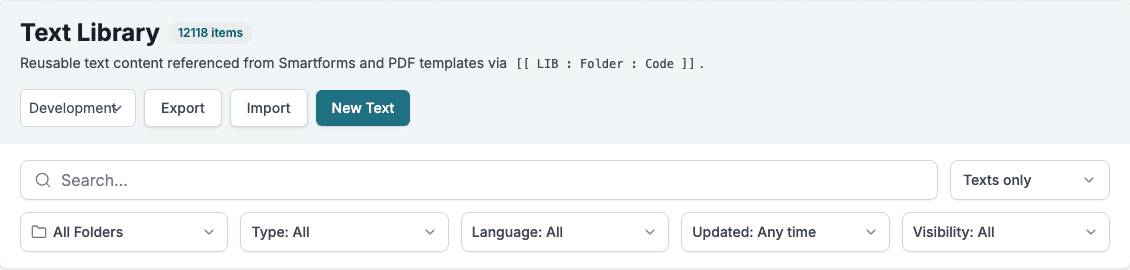
Where to find it
Open Studio and click Text Library in the left menu.
How it is organised
- Folders group texts, for example one folder per department or per customer. A folder can have a short code that stays the same even if the folder is renamed.
- Texts have a name for people and a code that forms and documents use to refer to them.
- Translations hold the content of a text in each language. One language is the default.
- Environments control which version of a folder is used in Development, Test, Pre Production and Production.
Referring to a text
A Smartform or PDF template refers to a text with a reference in double square brackets:
[[ LIB : HRDOCS : sick-leave ]]LIB tells Studio to look in the Text Library, HRDOCS is the folder code (or folder name) and sick-leave is the text code. The text editor shows the exact reference for each text, so you can copy it from there. See Using Texts for the short form and how the language is chosen.
In this section
- Texts and Folders: create folders and texts, add languages, find texts.
- Using Texts: references in Smartforms and PDFs, and texts in the Doc Composer.
- Import and Export: move many texts at once with a CSV file.
- Environments: publish folders from Development to Test, Pre Production and Production.
- Text Library API: manage texts and folders from your own system.